NoteTaker

Every meeting, written up for you.

NoteTaker records your call, writes the transcript and turns it into a summary with decisions and action items. You stay in the conversation.

Click around — this is the real layout

app.rec-motion.eu/rec-motion/note-taker/7c2e19

NoteTaker

NoteTaker

Intake — Vantage Retail

Ready

Client intake · 32 min · Google Meet

Overview

Eva Mulder needs a Finance Lead for Vantage Retail.

Hybrid in Utrecht, start within 3 months.

Vacancy details

Role: Finance Lead

Salary range: €85,000 – €95,000

Must-haves: 5+ yrs finance leadership

Action items

Send shortlist — Marijn · Fri

Share salary band — Eva

Book second round — Marijn

NoteTaker

Example with demo data. Tap the menu at the top left to switch apps.

From conversation to action items

How NoteTaker works — step by step.

01 Record

Record from your browser

Start the Chrome extension in your Google Meet call. Your microphone and the call audio are recorded separately, so the transcript shows what you said and what the others said.

  • Microphone and call audio recorded separately
  • Only starts once you confirm everyone has been told
  • Or upload a recording (up to 20 MB)

02 Bot

Or send the bot

Paste a Google Meet, Zoom or Teams link and the bot joins. Connect Google Calendar and it comes to your meetings by itself — under the bot name and photo you choose.

  • Google Meet, Zoom and Teams
  • Auto-join from Google Calendar
  • Live transcript with speaker names

03 Summary

A summary that fits the conversation

NoteTaker recognises whether it was a client intake, a candidate interview or a general meeting. An intake gives you the role written up, an interview the candidate's profile.

  • Intake: role, must-haves, salary range, process
  • Interview: current role, notice period, salary expectation
  • Dutch and English, language detected automatically

04 Action items

Decisions and action items, ready to act on

Only what was actually agreed lands under decisions. Action items get an owner and due date when they were mentioned — nothing is made up. The transcript and recording sit right next to it.

  • Decisions, open items and next steps
  • Action items with owner and due date
  • Transcript next to the recording

Done taking notes during calls?

Turn on NoteTaker and record your next meeting.

NoteTaker in your daily work

Your meetings, connected to the rest of your work.

NoteTaker Google Calendar

The bot comes to your meetings by itself

The problem: You forget to start recording — on exactly the call where you needed the notes most.

How it works

  1. 1Connect your Google Calendar
  2. 2Choose: every meeting with a video link, or only the ones you switch on
  3. 3The bot joins a minute before the start
  4. 4Afterwards the write-up is ready

Cancelled meetings are skipped.

NoteTaker Bookings

Booked interviews get recorded automatically

The problem: A candidate books an interview, and then someone still has to remember to record it.

How it works

  1. 1The candidate books through your Bookings link
  2. 2The interview lands in your calendar with a Google Meet link
  3. 3The bot joins when you use auto-join
  4. 4The interview write-up is ready after the call

Works through your connected Google Calendar.

NoteTaker ATSComing soon

Interview notes on the candidate

The problem: After an interview you still have to retype the key points into the candidate's profile.

How it works

  1. 1Record the interview
  2. 2The write-up lands on the candidate in the ATS
  3. 3Your team reads it straight away

Coming soon.

One workspace. Nothing to copy across.

Turn on NoteTaker and let your next meeting be written up.

NoteTaker: simple pricing, no surprises

Launch prices: 25% off the regular price.

Starter

€10€8/ seat / month

€80/ seat / year

Excl. VAT · launch price

Excl. VAT · 2 months free

  • Priced per seat
  • 15 recording hours per seat per month (pooled)
  • Browser-extension recording only
  • Chrome extension recording (mic and tab audio)
  • Transcription in Dutch and English with automatic language detection
  • AI summaries
  • Action items with owner and due date
  • Meeting types detected automatically (general / client intake / candidate interview)
  • Audio retention setting
  • Retry failed processing
Show all 9
  • Search across meetingsSoon
  • Share linksSoon
Recommended

Pro

€24€18/ seat / month

€180/ seat / year

Excl. VAT · launch price

Excl. VAT · 2 months free

  • Priced per seat
  • 30 recording hours per seat per month (pooled)
  • 10 meeting-bot hours included

Everything in Starter, plus:

  • Meeting bot for Google Meet / Zoom / Teams
  • Auto-join from Google Calendar
  • Live transcript with speaker names
  • Custom bot name and photo
  • Pause the bot
  • Video link for bot recordings
  • Ask AI about your meetingsSoon
Show all 9
  • Send interview notes to ATS candidate profilesSoon
  • Outlook calendarSoon

Business

€40€30/ seat / month

€300/ seat / year

Excl. VAT · launch price

Excl. VAT · 2 months free

  • Priced per seat
  • 60 recording hours per seat per month (pooled)
  • 20 meeting-bot hours included

Everything in Pro, plus:

  • Priority support
  • CRM and Slack integrationsSoon
  • More languagesSoon

Custom

On request

We put it together with you, in one call.

  • Everything in Business
  • Pick your own apps, seats and limits
  • Volume pricing for larger teams
  • Personal onboarding
  • Help moving your data across

Add-ons

  • Extra meeting-bot hours (10 hours)For when you need more bot recording than your plan includes. Applies to the current month.€10.00

All prices excl. VAT.Need several apps? See the bundles

Secure from day one

You work with candidate and client personal data. We treat it with care.

Built in the Netherlands

Developed and supported by a Dutch team, with GDPR as the starting point.

Your data, isolated

Every workspace is fully separated. Nobody else sees your candidates or clients.

Roles and permissions per app

Decide per role who can see and do what, down to each app.

Everything logged

Sensitive actions are recorded, so you can always trace who did what.

Two-factor sign-in

Extra protection on every account with two-factor authentication.

Private file storage

CVs and contracts are never public — only reachable through temporary, secure links.

Case study

“A real client's story goes here.”

The challenge, how they use Rec-Motion and what it changed — in their own words.

Client name, role — company

—

Result 1

—

Result 2

—

Result 3

Placeholder. A real, approved client story goes here before launch.

Frequently asked questions

Does everyone know the meeting is being recorded?

Yes. The extension only starts once you confirm everyone has been told, and gives you a notice to share. The bot posts a recording notice in the meeting chat.

Which languages are supported?

Dutch and English. The language is detected automatically per meeting, or you pick it.

Which meeting platforms work?

The Chrome extension records calls in your browser, such as Google Meet. The bot joins Google Meet, Zoom and Teams.

How long are recordings kept?

You decide. Transcripts and summaries are kept; audio can be deleted after a number of days.

Do I need to install anything?

To record in your browser you install the Chrome extension from your workspace. The bot works without installing anything.

Rec-Motion

All your work, all your people, one workspace

Get started
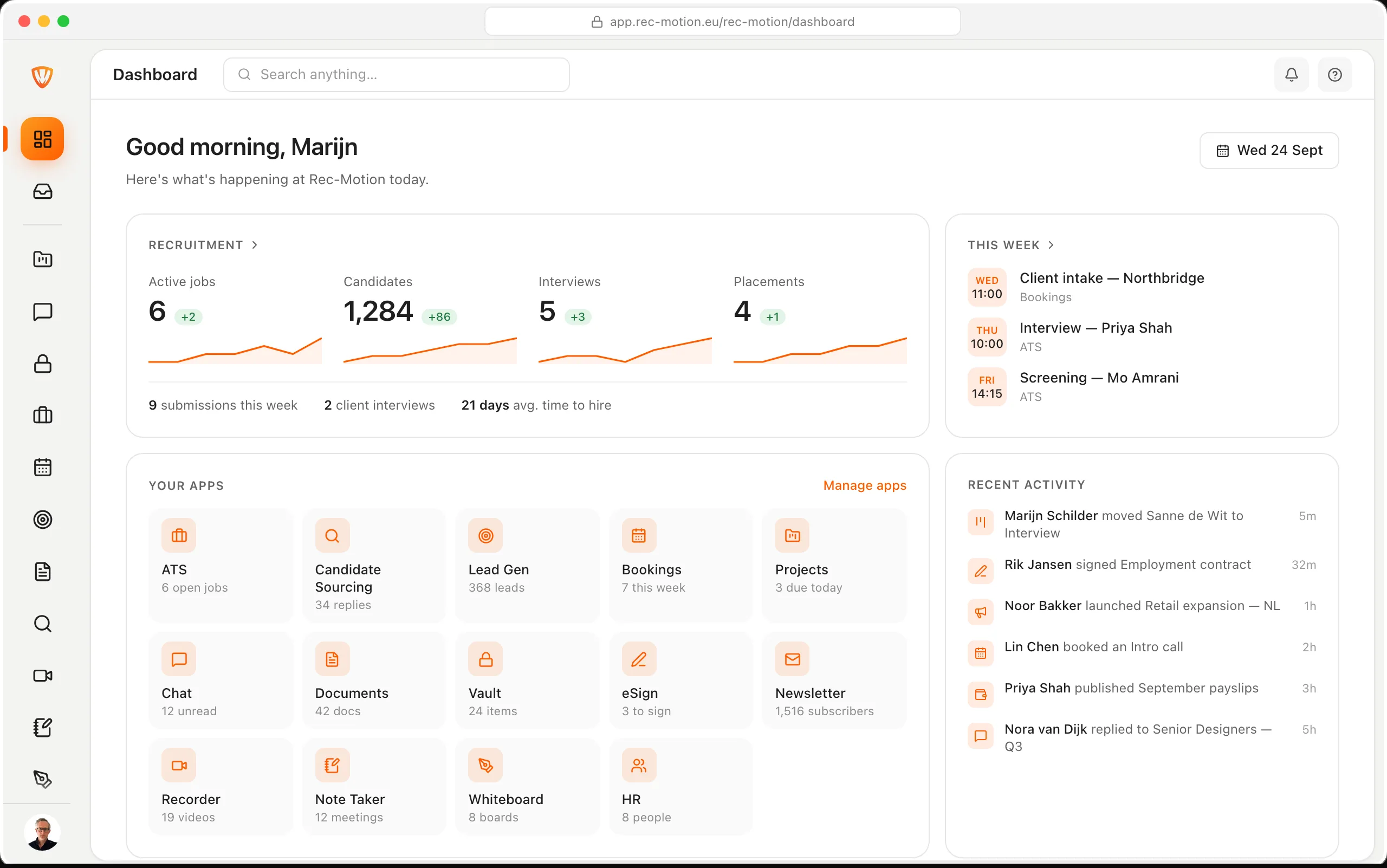
The Rec-Motion dashboard

Book a demo

Loading calendar…