Bookings

Scheduling without the back-and-forth.

Share a link, let people pick a time themselves and see the meeting in your calendar straight away β€” with a video link.

Click around β€” this is the real layout

app.rec-motion.eu/rec-motion/scheduling
Scheduling
New event type

Calendar

7 bookings this month

New event type
TodayBackNextSeptember 2026MonthWeekDay
Mon
Tue
Wed
Thu
Fri
Sat
Sun
30
31
01
02
03Intro β€” Lin Chen
04
05
06
07
08
09Intake β€” Northbridge
10
11
12
13
14
15Interview β€” Tom Bakker
16
17Client call β€” Vantage
18
19
20
21
22Intake β€” Sanne de Wit
23
24
25Interview β€” Priya Shah
26Screening β€” Mo Amrani
27
28
29
30
01
02
03

From availability to meeting

How Bookings works β€” step by step.

01 Event types

Set up your event types

An event type is a booking page: duration, location and who's involved. Make one for intakes, interviews and client calls.

  • Duration, location and attendees per type
  • Buffers before and after meetings
  • Minimum notice and a daily maximum
  • Questions bookers answer upfront

02 Availability

Decide when you're free

Set your weekly hours, add overrides for specific dates and keep several schedules.

  • Weekly hours per day
  • Overrides for specific dates
  • Several schedules, for example for interviews

03 Booking page

They pick a time

Your guest only sees times you're actually free, fills in their details and gets a confirmation straight away.

  • Only genuinely free times are shown
  • A confirmation with all the details
  • Reschedule or cancel via a manage link

04 Calendar Β· Meetings

Everything in one calendar

Every meeting in month, week or day view. Open one for the details or update its status.

  • Month, week and day views
  • Status per meeting: scheduled, completed, no-show
  • Rescheduling and cancelling stay in sync everywhere

05 Single-use links

One-time links for one person

Send someone a link that expires after one booking β€” handy for a specific candidate or client.

  • A link for one specific person
  • Expires after one booking
  • Manage every link you've issued

Ready to stop emailing back and forth?

Turn on Bookings and share your first link today.

Bookings works with your calendar and your ATS

No double bookings, no separate interview planning.

Bookings Google Calendar

Never double-booked again

The problem: Your real calendar lives somewhere else. Without a link, someone can book a time you're already busy.

How it works

  1. 1Connect your Google Calendar
  2. 2Your busy times count against your availability
  3. 3A booking creates a calendar event automatically
  4. 4With a real Google Meet link attached

Every booking is in Bookings and in your Google Calendar.

Bookings ATS

Interviews schedule themselves

The problem: Booking one interview takes five emails β€” and then it still has to go into the ATS.

How it works

  1. 1Link an interview event type to a role
  2. 2A candidate reaches the interview stage: the invite goes out automatically
  3. 3The candidate picks a time
  4. 4The interview appears on the application

The interview and booking status stay in sync.

One workspace. Nothing to copy across.

Turn on Bookings and connect your calendar in a few clicks.

Bookings: simple pricing, no surprises

Start small, turn apps on as you need them.

Basic

For people scheduling their own meetings.

€29/ month, excl. VAT

  • Unlimited event types
  • Booking pages
  • Google Calendar sync
  • Up to 3 users
Get started
Recommended

Pro

For teams running interviews and client calls.

€69/ month, excl. VAT

  • Everything in Basic
  • Single-use links
  • Multiple schedules
  • Interviews linked to the ATS
  • Up to 15 users
Get started

Custom

For larger teams with their own needs.

On request

  • Unlimited users
  • Your own branding
  • Personal onboarding
Talk to us

Demo pricing β€” final prices to follow.Need several apps? See the bundles β†’

Secure from day one

You work with candidate and client personal data. We treat it with care.

Built in the Netherlands

Developed and supported by a Dutch team, with GDPR as the starting point.

Your data, isolated

Every workspace is fully separated. Nobody else sees your candidates or clients.

Roles and permissions per app

Decide per role who can see and do what, down to each app.

Everything logged

Sensitive actions are recorded, so you can always trace who did what.

Two-factor sign-in

Extra protection on every account with two-factor authentication.

Private file storage

CVs and contracts are never public β€” only reachable through temporary, secure links.

Case study

β€œA real client's story goes here.”

The challenge, how they use Rec-Motion and what it changed β€” in their own words.

Client name, role β€” company

β€”

Result 1

β€”

Result 2

β€”

Result 3

Placeholder. A real, approved client story goes here before launch.

Frequently asked questions

Does Bookings work with Google Calendar?

Yes. Once connected, your busy times count and every booking gets a calendar event with a Google Meet link.

Can guests reschedule or cancel themselves?

Yes, through the manage link in their confirmation. The meeting updates everywhere.

Can I stop meetings stacking back to back?

Yes, with buffers before and after meetings, a minimum notice time and a daily maximum.

How does it work with the ATS?

Link an interview event type to a role. When a candidate reaches the interview stage, the invite goes out automatically.

Rec-Motion

All your work, all your people, one workspace

Get started
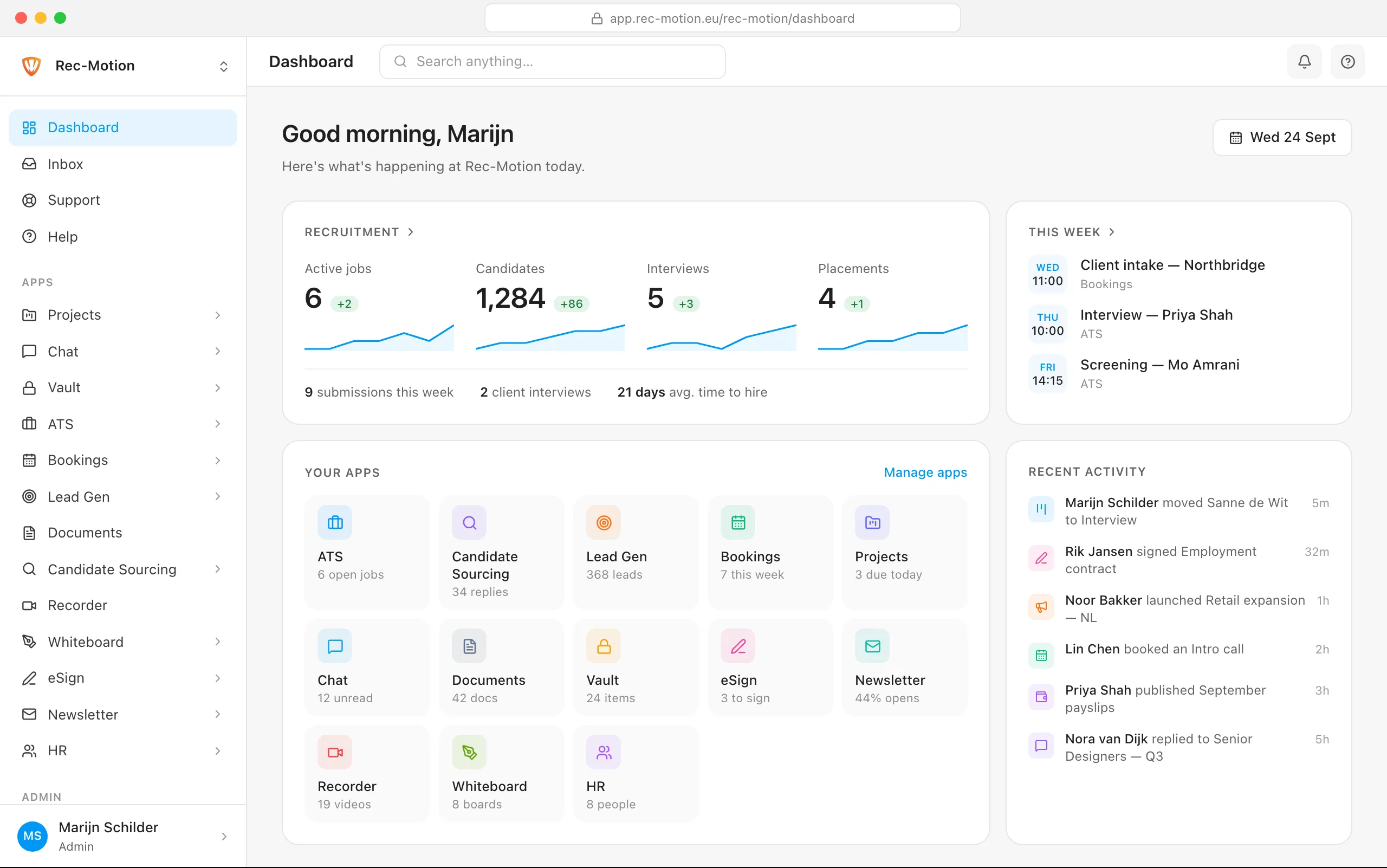
The Rec-Motion dashboard