Lead Gen

New clients, sourced on autopilot.

Find companies posting roles right now, reach the right people and turn replies into conversations.

Click around β€” this is the real layout

app.rec-motion.eu/rec-motion/leadgen/tables
Tables

Tables

Companies and contacts, enriched and ready for outreach.

Upload CSV New table
NameCompaniesLast updatedCreated
Retail β€” NL, 50-500 FTE21422 Sept 20262 Sept 2026
Logistics hiring signals9620 Sept 202610 Aug 2026
Fintech Amsterdam5812 Sept 202612 Sept 2026

From signal to client conversation

How Lead Gen works β€” step by step.

01 Job Posting Intent

See who's hiring right now

Companies that just posted roles you recruit for show up as a signal β€” the best moment to get in touch.

  • New job postings as a buying signal
  • See which roles each company has open
  • Send straight on to a table or campaign

02 Tables

Build lists of decision-makers

Collect companies and contacts in tables, filled in with the details you need to reach them.

  • Companies and contacts in one table
  • Upload from a CSV
  • Enriched with contact and company details

03 Campaigns

Reach them on LinkedIn and email

Put a sequence together and let it run. You see who accepts and replies per campaign.

  • Sequences across LinkedIn and email
  • Delays and follow-ups per step
  • Results per campaign

04 Inbox

Every reply in one place

Replies from every campaign arrive in one inbox. Answer straight away and keep track of who's interested.

  • Every campaign in one inbox
  • Reply right away
  • See the whole conversation per contact

Ready to find new clients?

Turn on Lead Gen and start your first campaign.

From reply to meeting

Lead Gen and your calendar in the same workspace.

Lead Gen Bookings

Turn interest into a meeting

The problem: A positive reply loses momentum fast if you then need five emails to find a time.

How it works

  1. 1Answer the reply from the inbox
  2. 2Share your booking link for an intro call
  3. 3The contact picks a time
  4. 4The meeting lands in your calendar, with a video link

The meeting and attendees are in Bookings.

Lead Gen Campaigns

From signal to campaign

The problem: The best moment to reach a company is right after it posts a role β€” and that moment is easy to miss.

How it works

  1. 1A new job posting shows up as a signal
  2. 2Put the company and its decision-makers in a table
  3. 3Add them to a running campaign
  4. 4Replies arrive in your inbox

Per company you see the signal, the contacts and the replies.

One workspace. Nothing to copy across.

Turn on Lead Gen and add Bookings whenever you like.

Lead Gen: simple pricing, no surprises

Start small, turn apps on as you need them.

Basic

To get started with targeted outreach.

€149/ month, excl. VAT

  • Tables and CSV upload
  • 1 connected LinkedIn account
  • Email campaigns
  • Shared inbox
Get started
Recommended

Pro

For agencies winning new clients every month.

€349/ month, excl. VAT

  • Everything in Basic
  • Job Posting Intent
  • 3 connected LinkedIn accounts
  • Enrichment
Get started

Custom

For larger sales teams.

On request

  • Unlimited accounts
  • Custom limits
  • Personal onboarding
Talk to us

Demo pricing β€” final prices to follow.Need several apps? See the bundles β†’

Secure from day one

You work with candidate and client personal data. We treat it with care.

Built in the Netherlands

Developed and supported by a Dutch team, with GDPR as the starting point.

Your data, isolated

Every workspace is fully separated. Nobody else sees your candidates or clients.

Roles and permissions per app

Decide per role who can see and do what, down to each app.

Everything logged

Sensitive actions are recorded, so you can always trace who did what.

Two-factor sign-in

Extra protection on every account with two-factor authentication.

Private file storage

CVs and contracts are never public β€” only reachable through temporary, secure links.

Case study

β€œA real client's story goes here.”

The challenge, how they use Rec-Motion and what it changed β€” in their own words.

Client name, role β€” company

β€”

Result 1

β€”

Result 2

β€”

Result 3

Placeholder. A real, approved client story goes here before launch.

Frequently asked questions

What is Job Posting Intent?

A list of companies that just posted roles you recruit for β€” a strong signal they need help right now.

Which channels do I use to reach leads?

LinkedIn and email, in one sequence per campaign.

Can I import my own lists?

Yes, upload a CSV and the companies and contacts land in a table.

Is Lead Gen the same as Candidate Sourcing?

No. Lead Gen is for finding new clients, Candidate Sourcing for candidates. They do work the same way.

Rec-Motion

All your work, all your people, one workspace

Get started
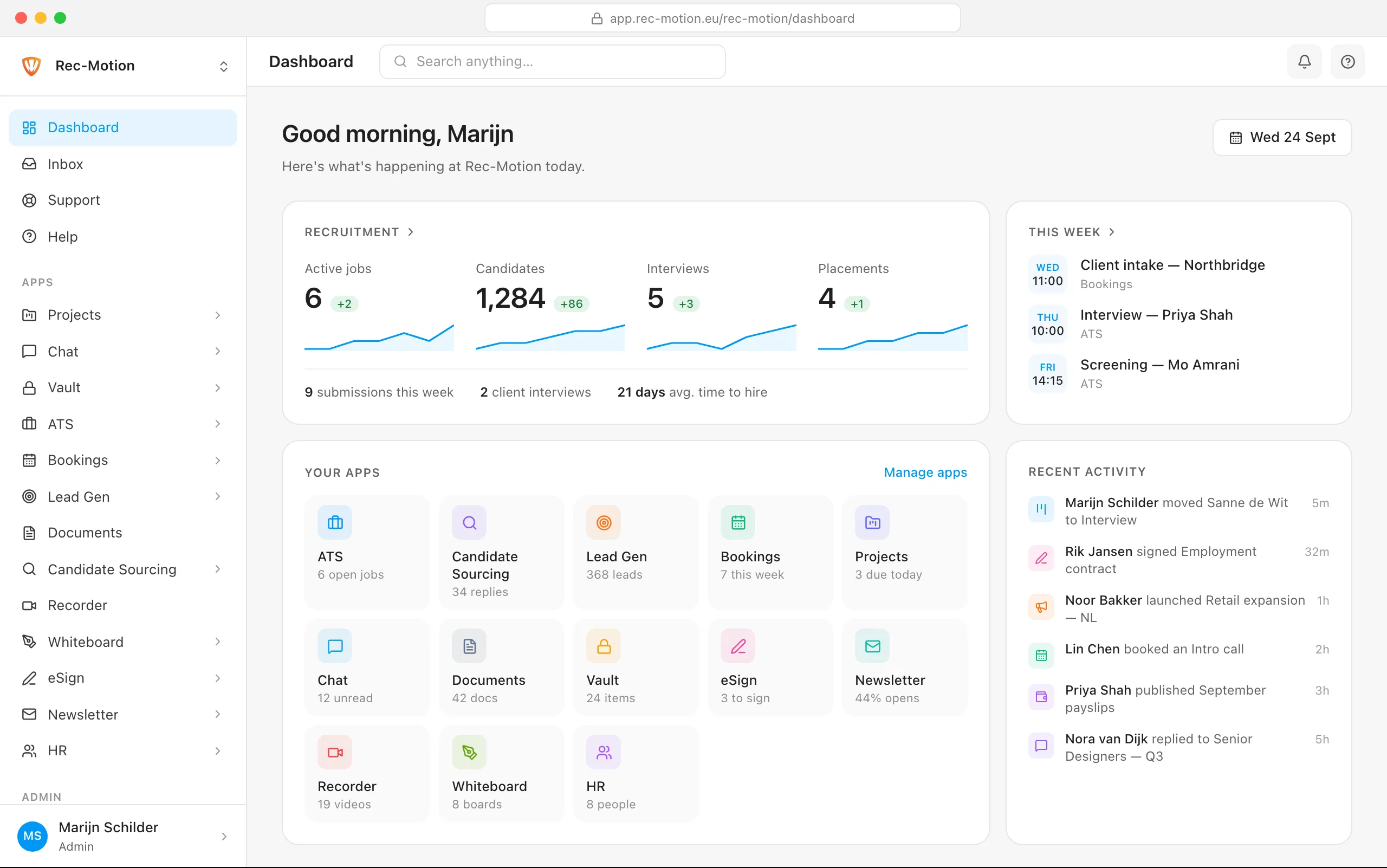
The Rec-Motion dashboard