Chat

Team conversations next to your work.

Channels and direct messages in the same workspace as your candidates, clients and tasks.

Click around β€” this is the real layout

app.rec-motion.eu/rec-motion/chat/c/general
# general
New channel
# general
MS

Marijn Schilder 10:42

Pipeline for Finance Lead looks strong β€” 3 candidates through to round 2.

NB

Noor Bakker 10:44

Great, I'll schedule the interviews this week.

PS

Priya Shah 10:51

Contract template for Vantage is updated in eSign.

Message #general

From message to action

How Chat works β€” step by step.

01 Channels Β· Direct messages

Channels and direct messages

Create channels per team, client or topic, and send direct messages when it's personal.

  • Public and private channels
  • Direct messages, one-to-one or in a group
  • Archive channels when they're done
  • Sections and 'Unreads only' in your sidebar

02 Threads Β· Reactions

Keep conversations tidy

Reply in a thread, react with an emoji and @mention teammates so they get notified.

  • Threads under any message
  • Emoji reactions
  • @mentions with notifications
  • Mute channels and Do Not Disturb

03 Files Β· Search

Files, voice and search

Share files and voice messages, pin what matters and find anything with search.

  • Attachments and voice messages
  • Pin messages
  • Search, forward and quick switcher

04 Tasks Β· Calls

Turn a message into action

Schedule a message for later, turn it into a task in Projects or start a video call right away.

  • Schedule messages for later
  • Create a task from a message
  • Start a video call from Chat

Ready to get your team talking in one place?

Turn on Chat and create your first channel.

Chat works with the rest of your work

Conversations that turn straight into work.

Chat Projects

From message to task

The problem: Agreements in a chat get lost. Who's doing what, and by when? A week later nobody knows.

How it works

  1. 1Open the menu on a message
  2. 2Choose 'Create task'
  3. 3Pick the list, owner and due date
  4. 4The task lands in Projects, linked to the message

The task links back to the original conversation.

Chat Video call

From message to call

The problem: Sometimes a call is quicker than ten messages β€” but planning a meeting takes time again.

How it works

  1. 1Start a video call from a channel or DM
  2. 2Teammates get the invite in Chat
  3. 3After the call you carry on in the same channel

The call shows in the channel's timeline.

One workspace. Nothing to copy across.

Turn on Chat and add Projects whenever you like.

Chat: simple pricing, no surprises

Start small, turn apps on as you need them.

Basic

For small teams.

€19/ month, excl. VAT

  • Channels and direct messages
  • Threads and reactions
  • Attachments
  • Up to 10 users
Get started
Recommended

Pro

For teams combining chat and tasks.

€49/ month, excl. VAT

  • Everything in Basic
  • Voice messages
  • Scheduled messages
  • Create tasks from Chat
  • Up to 50 users
Get started

Custom

For larger organisations.

On request

  • Unlimited users
  • Personal onboarding
Talk to us

Demo pricing β€” final prices to follow.Need several apps? See the bundles β†’

Secure from day one

You work with candidate and client personal data. We treat it with care.

Built in the Netherlands

Developed and supported by a Dutch team, with GDPR as the starting point.

Your data, isolated

Every workspace is fully separated. Nobody else sees your candidates or clients.

Roles and permissions per app

Decide per role who can see and do what, down to each app.

Everything logged

Sensitive actions are recorded, so you can always trace who did what.

Two-factor sign-in

Extra protection on every account with two-factor authentication.

Private file storage

CVs and contracts are never public β€” only reachable through temporary, secure links.

Case study

β€œA real client's story goes here.”

The challenge, how they use Rec-Motion and what it changed β€” in their own words.

Client name, role β€” company

β€”

Result 1

β€”

Result 2

β€”

Result 3

Placeholder. A real, approved client story goes here before launch.

Frequently asked questions

Can I create private channels?

Yes. Channels can be public or private, and you can archive them when they're done.

Can I turn a message into a task?

Yes. Choose 'Create task' on a message and it lands in Projects, linked back.

Can I schedule messages?

Yes, you can schedule a message for a later time.

Will I get notifications?

Yes, for @mentions and direct messages. You can mute channels and turn on Do Not Disturb.

Rec-Motion

All your work, all your people, one workspace

Get started
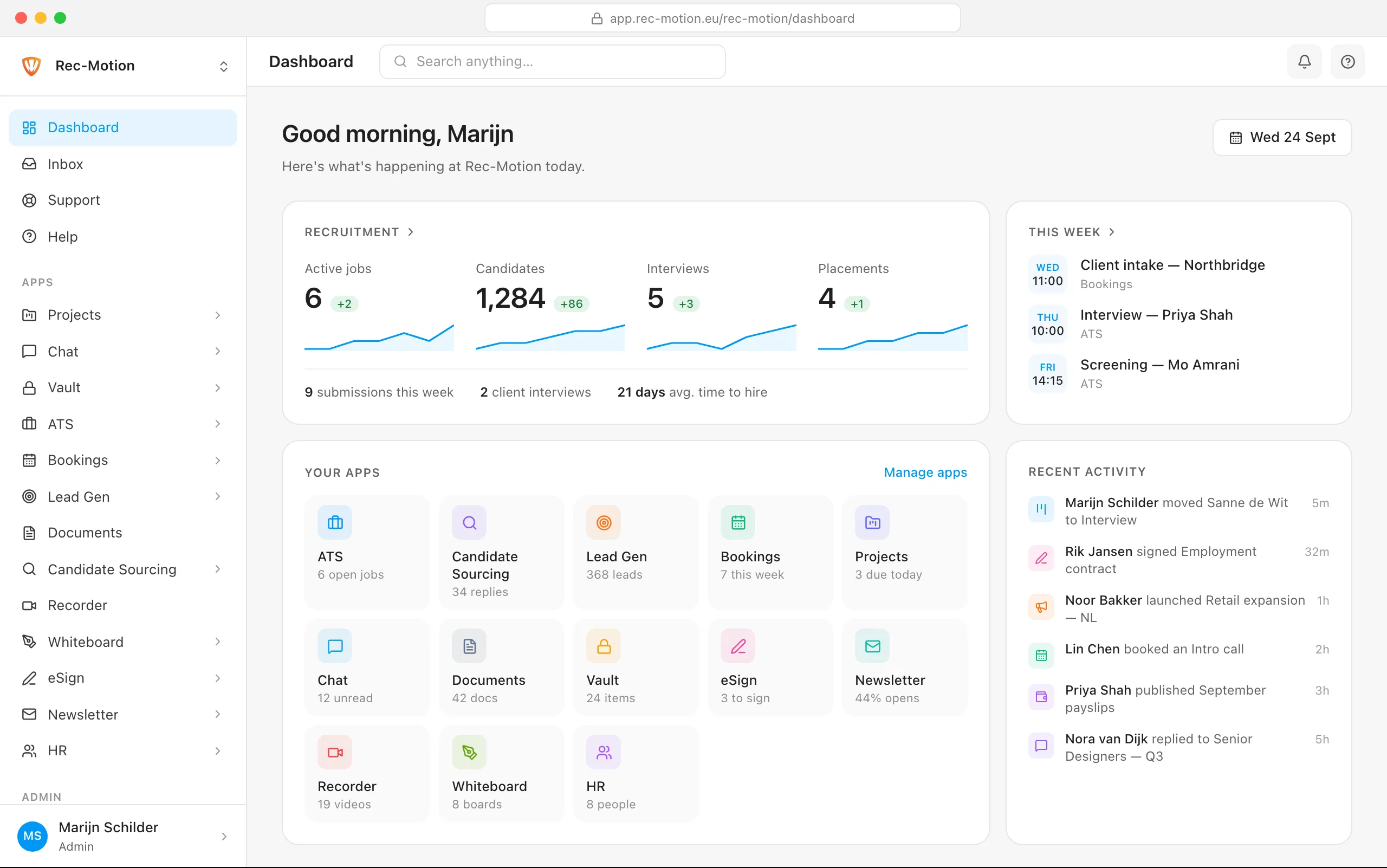
The Rec-Motion dashboard